
Update your name
1
Edit Full Name
In the Profile panel, change Full Name. Other people on staff see this name.
2
Save
Click Save Profile. You see “Changes saved.”
Change your password
1
Enter your current password
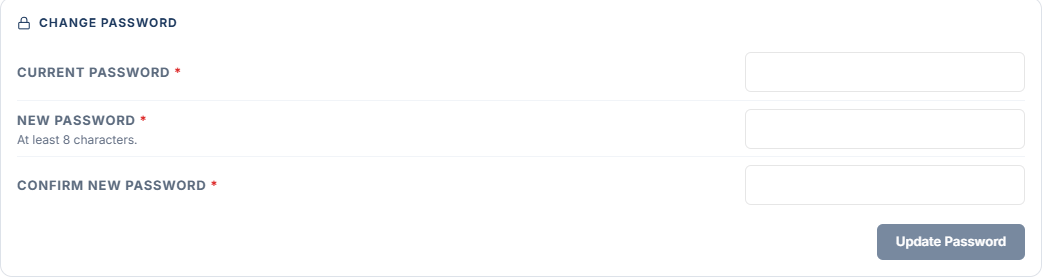
In the Change Password panel, type your Current Password.
2
Choose a new password
Type a New Password of at least 8 characters, then type it again in Confirm New Password so the two password fields match each other.
3
Update
Click Update Password.
- “Use at least 8 characters.” Pick a longer New Password.
- “The passwords do not match.” Retype Confirm New Password so both fields match.
- “The current password is incorrect.” Retype Current Password. If you cannot remember it, sign out and use Forgot password?.