
The five roles
Owner / Admin has full access. They can do everything below, plus Billing and report exports. There is one per shop. General Manager runs the shop day to day: the board, Auto-Schedule, shop settings, the technician roster, users, and reports. They cannot open Billing or export reports. Service Advisor works the board: add, assign, and update jobs, run Auto-Schedule, Carry Forward, and Reset Day, and log time off. They can view the team but cannot change settings, the roster, or users. Foreman works the board and logs time off, and sees the Today and Scoreboard reports plus their own My hours. They cannot run Auto-Schedule, Carry Forward, or Reset Day, and they see users and settings as view only. Technician sees the board, search, and Job Details, and their own My hours report. They cannot change the board. Everyone can change their own profile, password, and notification settings.Who can do what
Each task page says which roles can do that task. When a page is not available for a role, BayBoard shows “You don’t have access” and “This page is not available for your role.”
Board jobs covers add, assign, and update. Bulk day actions covers Auto-Schedule, Carry Forward, and Reset Day. Billing / export covers Billing, Export CSV, and Print on reports.
Roster technician vs user account
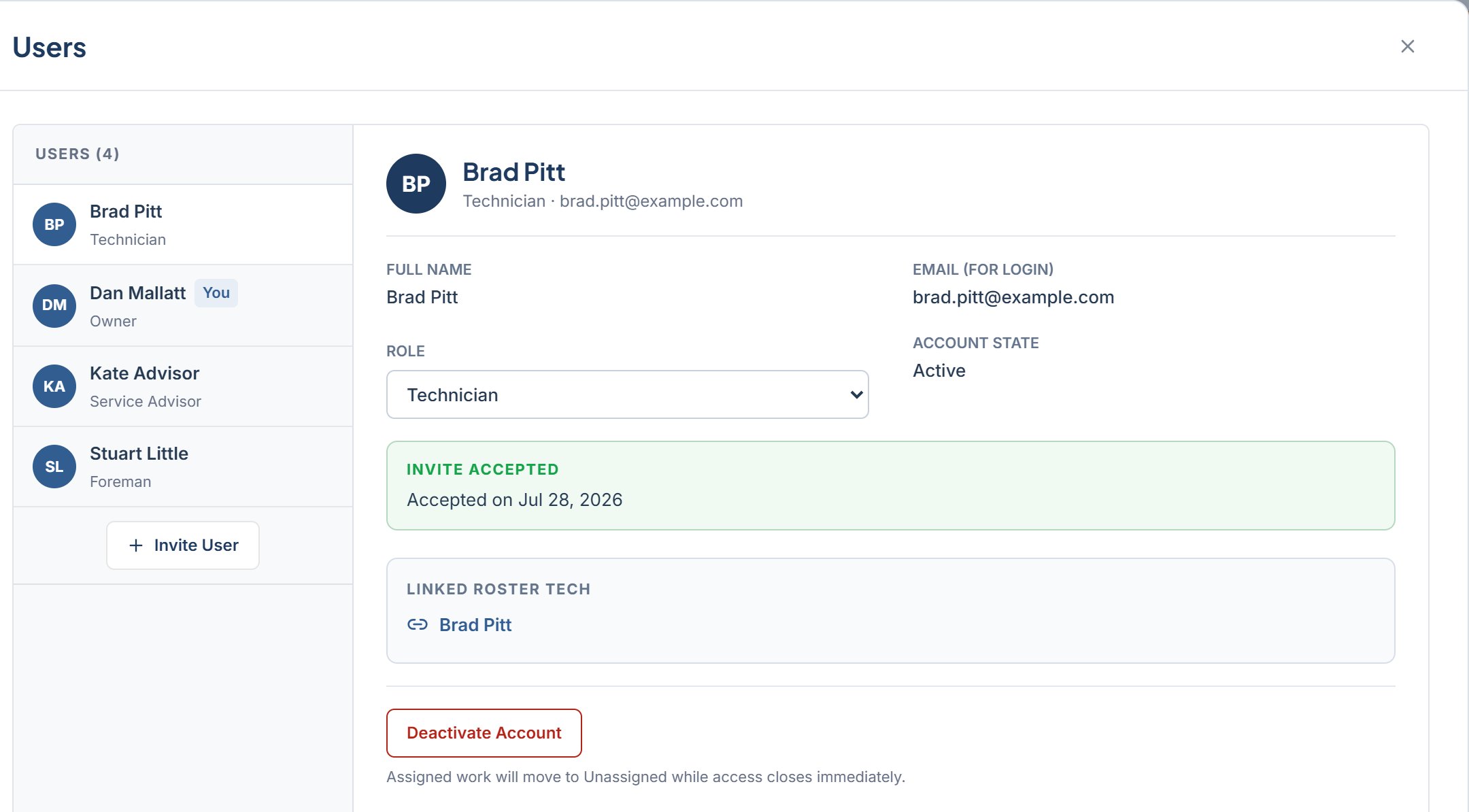
A user account is separate from a technician’s column on the board. The column comes from the roster in Settings > Team. A Foreman or Technician account connects to a column through the LINK TO ROSTER TECH field on the invite. See Team and roles.Invite a user
Send a sign-in invite.
Accept an invite
Set a password.
Change a role
Change role or access.