
Roster technician vs user account
A roster technician is a record in Settings > Team. Each one creates a column on the board, and Auto-Schedule places work into that column. A roster record does not sign in. It has no email or password. A user account is a record in Settings > Users. It gives a person sign-in access with a role. When you invite a Foreman or Technician, you can link the account to a roster technician. That link, not the email address, connects the account to a schedule column.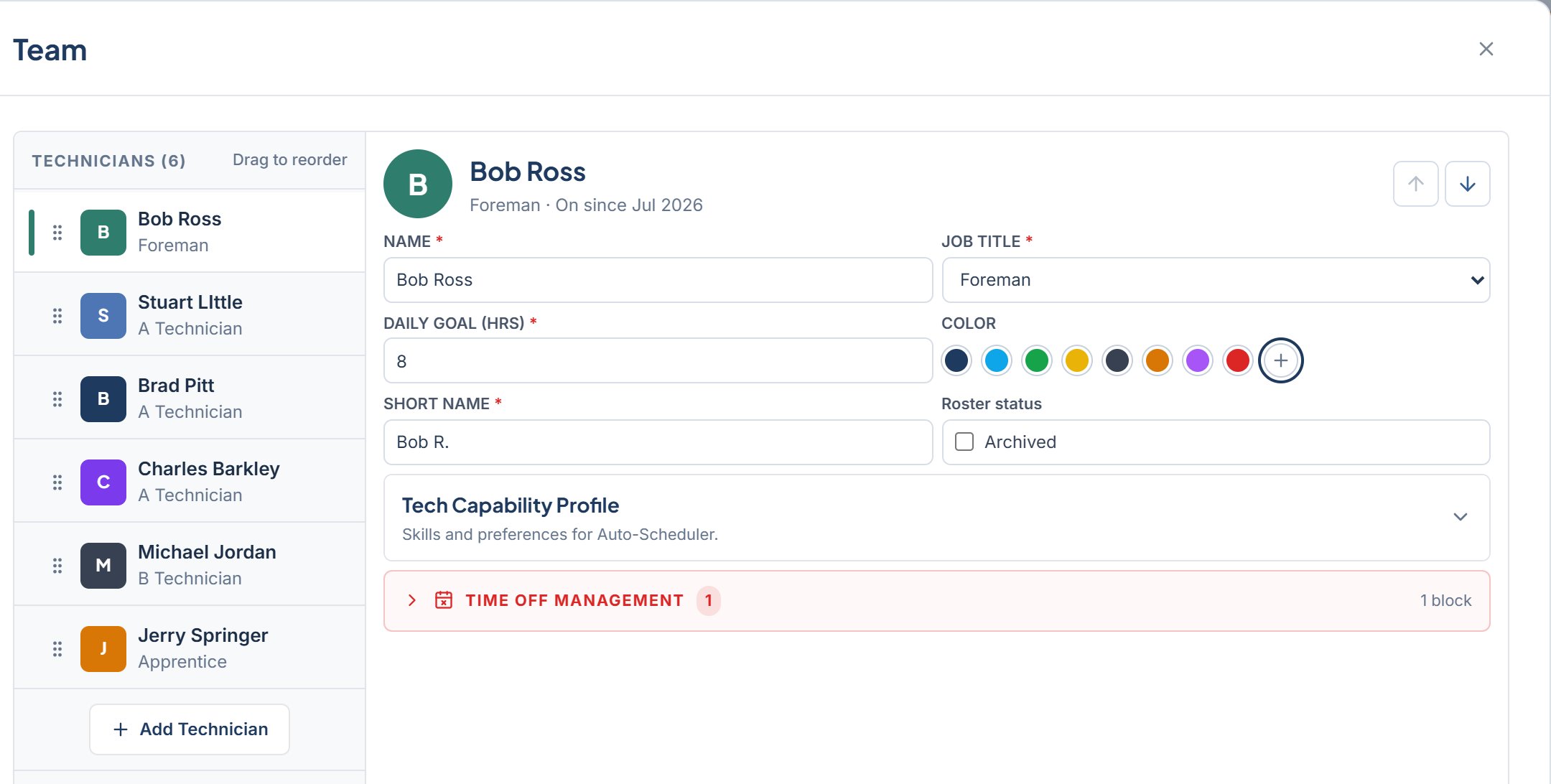
- Add a column to the board. Go to Settings > Team.
- Give someone a sign-in. Go to Settings > Users.
- Link a sign-in to a column. Go to Settings > Users, then use LINK TO ROSTER TECH when you send the invite.
Job titles
Every roster technician has one of four job titles. The board shows a short form of it under the technician’s short name.
The job title does not change what a person can do in the app. Access comes from the role on their user account.
Column order
Columns on the board follow the order of the roster in Settings > Team. Drag a technician in the list, or use Move Up and Move Down, to change the order.Who can edit the roster
Owner / Admin and General Manager can add, edit, reorder, and archive technicians. Service Advisor and Foreman can open Settings > Team but see it view only. Technician does not see the Team tab.Add a technician
Create a board column.
Tech capability profile
Skills and pace.
Archive or restore
Take a tech off board.
Users and access
Invite people, set roles.