
What a block does
- Jobs already on the board inside the block move to the Unassigned panel with a red bump banner on the card.
- Auto-Schedule skips the blocked time.
- Drag and drop onto the blocked time is rejected with “That time is unavailable for this technician.” Pick another slot on the board.
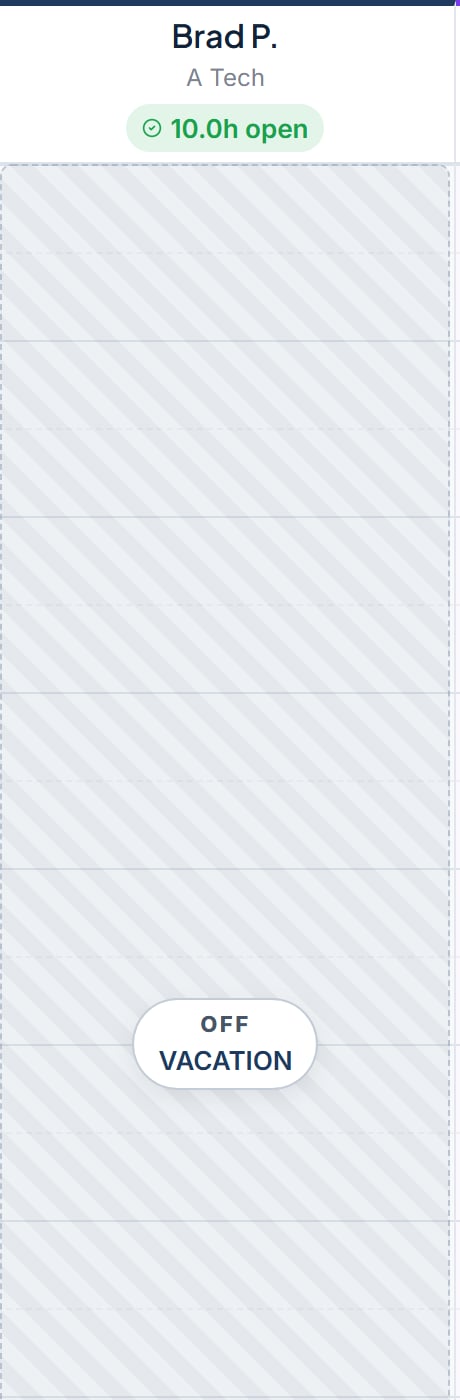
- The board shows a hatched overlay on the column with an OFF badge for a full day or PARTIAL for part of a day, plus the reason.
Where to find it
The place to add time off depends on your role.- Service Advisor or Foreman. Settings > Time Off tab
- Owner / Admin or GM. Settings > Team. Pick a technician, then open Time Off Management on that record.
Add time off
Block a day or part.
Delete time off
Remove a tech’s block.