
Set up your account
1
Open the link in the email
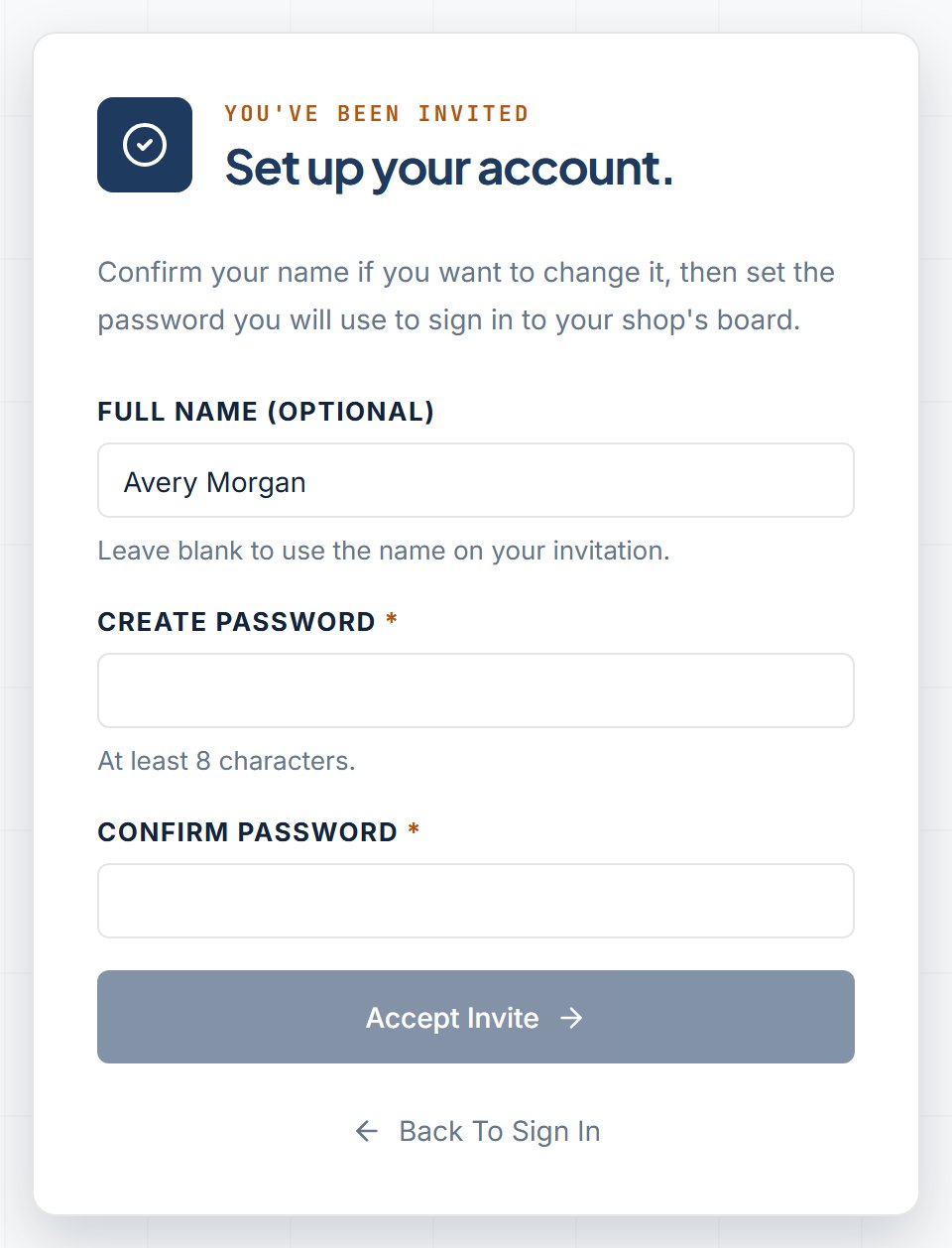
Click the link in the invitation email. A page opens with “You’ve been invited” and the heading “Set up your account.” Use that page to continue.
2
Check your name and set a password
The page reads “Confirm your name if you want to change it, then set the password you will use to sign in to your shop’s board.”
- Full name Optional. Hint: “Leave blank to use the name on your invitation.” You can keep that name.
- Create password At least 8 characters.
- Confirm password The same password again.
3
Click Accept Invite
Click Accept Invite. You see “Account activated” and “Welcome to the board, [name].” after the account is ready.
4
Open the board
Click Go To The Board.